Studio
Studio
Studio
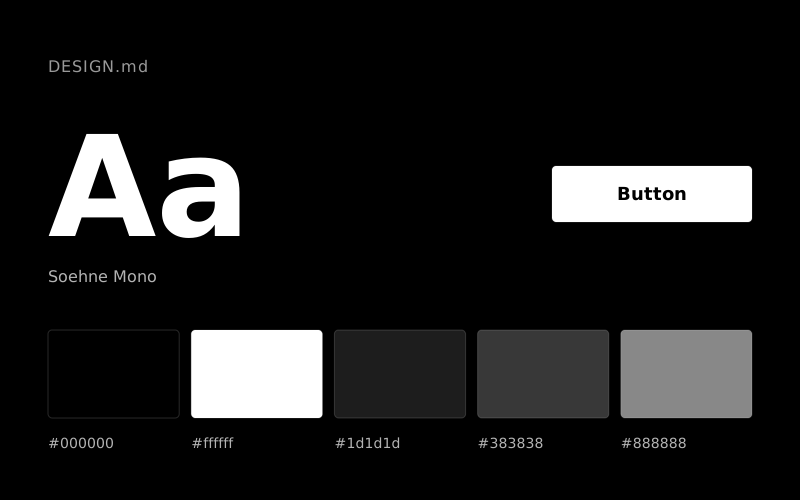
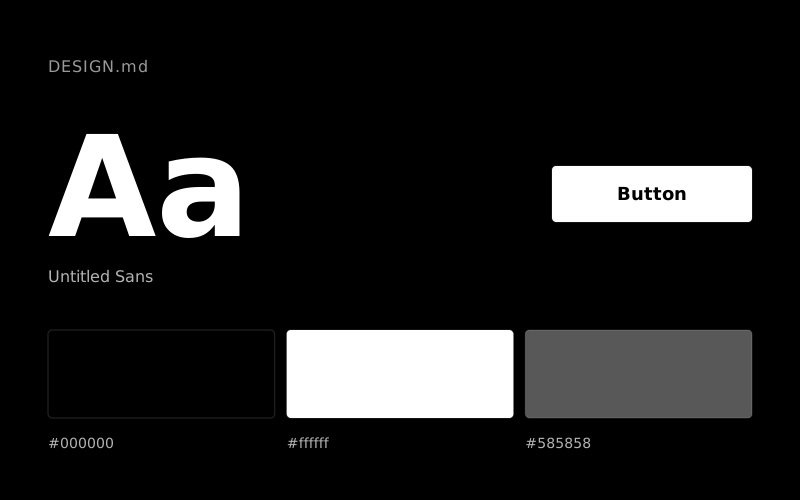
The Neuralink design system uses a dark-themed visual language. The primary brand color is Canvas White (#ffffff); text is Canvas White (#ffffff) on a Midnight Void (#000000) background. Typography is set in UntitledSans. This DESIGN.md contains 4 color tokens and a 7-step type scale; give it to AI tools like Claude, Cursor or v0 to generate consistent interfaces in the style of Neuralink.
Independent Style Review
Deep void to soft textured canvas
Neuralink's design system uses a high-contrast dark-to-light progression, transitioning from a deep void to soft, textured surfaces. Typography is minimal and precise, focusing on clear communication over decorative flair. Interactive elements feature soft, large radii, creating an approachable feel within the clinical and technical context. The system relies on a restrained palette, where shifts in background color delicately delineate sections.
| Color | HEX | CSS token | Usage |
|---|---|---|---|
| Midnight Void | #000000 | --color-midnight-void | Primary background for hero and prominent sections, primary text color, button borders, subtle surface backgrounds |
| Canvas White | #ffffff | --color-canvas-white | Primary text color on dark backgrounds, interactive element backgrounds, borders for ghost buttons |
| Soft Linen | #f5f5f5 | --color-soft-linen | Light background for secondary sections and footer, providing a subtle texture |
| Ash Gray | #bababa | --color-ash-gray | Muted text, inactive navigation items, subtle borders |
| Font | Weights | Fallback |
|---|---|---|
| UntitledSans | 300, 400, 500, 700 | System UI (sans-serif) |
| Role | Size | Line height | Token |
|---|---|---|---|
| body-sm | 14px | 1.5 | --text-body-sm |
| body | 16px | 1.5 | --text-body |
| body-lg | 18px | 1.5 | --text-body-lg |
| subheading | 24px | 1.2 | --text-subheading |
| heading | 32px | 1.15 | --text-heading |
| display-sm | 44px | 1.15 | --text-display-sm |
| display | 48px | 1 | --text-display |