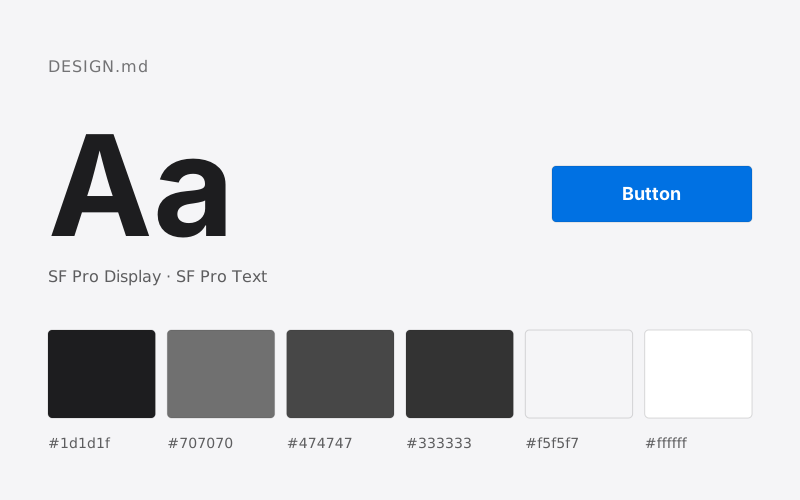
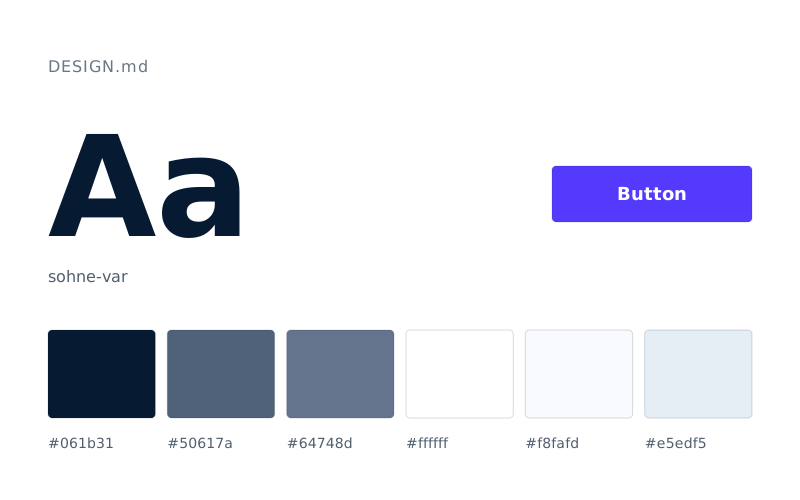
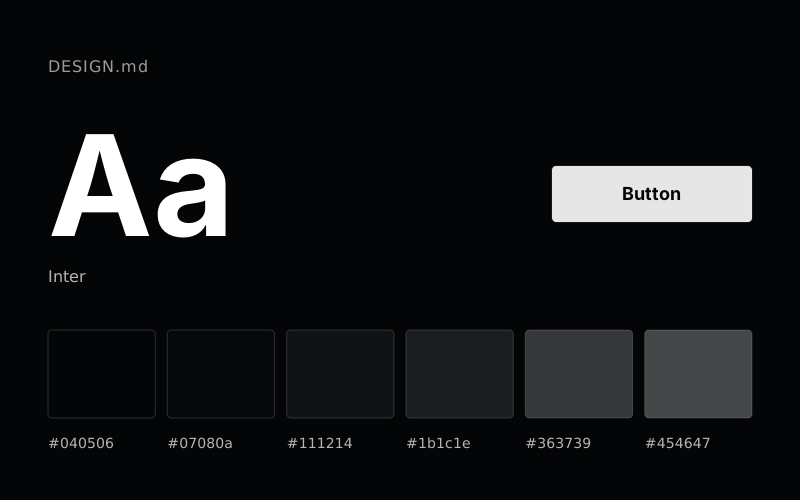
What is DESIGN.md?
DESIGN.md is a Markdown file that describes a brand's visual identity to AI coding tools. It has two layers: at the top, design tokens a machine can read directly (colors, fonts, spacing, corner radii), and below them plain prose explaining why those values were chosen and how to apply them. The format was introduced by the Google Stitch team and published as an open specification.
In short: if README.md explains a project to people, DESIGN.md explains a brand to AI.
Why do you need DESIGN.md?
When you ask a tool such as Claude, Cursor or v0 to “build a pricing page”, it doesn't know your brand, so it produces something generic: default blue buttons, a stock font, arbitrary spacing. Describing “our primary color is this, use that font for headings” in every request is tiring and gives inconsistent results; the color that was right on one screen disappears on the next.
DESIGN.md fixes this for good:
- A single source: Color, typography and component rules are written once, not re-explained in every request.
- Exact values:
#1A1C1Einstead of “dark blue”; the tool doesn't guess. - Rationale: The prose explains when and why each token is used, so the tool keeps to the brand's logic even when designing a new component.
- Portability: Because it is a plain Markdown file, it works with any tool that can read project files.
The structure of a DESIGN.md file
According to the specification, a DESIGN.md has two layers.
1. YAML front matter: the tokens
This section sits between --- lines at the very top of the file and holds the binding (normative) values:
| Token type | Format | Example |
|---|---|---|
| Color | Hex starting with # (sRGB) | "#1A1C1E" |
| Dimension | number + unit (px, em, rem) | 48px, -0.02em |
| Token reference | {path.token} | {colors.primary} |
| Typography | an object with fontFamily, fontSize, fontWeight, lineHeight, letterSpacing | h1: { fontFamily: Public Sans, fontSize: 3rem } |
The top-level keys are name, colors, typography, rounded, spacing and components. Components are defined by referencing other tokens; for example, the primary button's background can be {colors.tertiary}.
2. Markdown body: the rationale
The sections below the tokens use ## headings. None of them is mandatory, but those you use must come in this order:
| Order | Section | What it covers |
|---|---|---|
| 1 | Overview | The brand's overall visual character and tone |
| 2 | Colors | The role and use of each color |
| 3 | Typography | Typefaces, scale and hierarchy |
| 4 | Layout | Grid, spacing rhythm, page widths |
| 5 | Elevation & Depth | Shadows and layering |
| 6 | Shapes | Corner radii and shape language |
| 7 | Components | Rules for buttons, cards, forms and other components |
| 8 | Do's and Don'ts | What to do and what to avoid |
Using the same heading twice makes the file invalid; unrecognized headings are kept and not treated as errors.
An example DESIGN.md
This short example is a simplified version of the one in the specification:
---
name: Heritage
colors:
  primary: "#1A1C1E"
  secondary: "#6C7278"
  tertiary: "#B8422E"
  neutral: "#F7F5F2"
typography:
  h1:
    fontFamily: Public Sans
    fontSize: 3rem
  body-md:
    fontFamily: Public Sans
    fontSize: 1rem
rounded:
  sm: 4px
  md: 8px
spacing:
  sm: 8px
  md: 16px
---

## Overview

Architectural minimalism meets journalistic gravitas: the feel of a high-quality matte surface.

## Colors

- **Primary (#1A1C1E):** Deep ink for headings and body text.
- **Tertiary (#B8422E):** The sole driver of interaction; used only for actions.
- **Neutral (#F7F5F2):** A warm base, softer than pure white.
A tool reading this file sets headings in Public Sans in the deep ink color, uses a warm light background and renders action buttons in the terracotta tone.
DESIGN.md vs. AGENTS.md and CLAUDE.md
| File | What it describes | Who reads it |
|---|---|---|
README.md | What the project is and how to set it up | People |
AGENTS.md / CLAUDE.md | Code conventions, commands, project structure | AI coding tools |
DESIGN.md | The brand's visual rules: color, typography, components | AI coding and design tools |
These files don't replace each other; they complement each other. In practice, referencing DESIGN.md from CLAUDE.md or AGENTS.md makes the tool read your design rules in every session. For tool-by-tool steps, see How to use DESIGN.md in Claude Code, Cursor and v0.
How do you create a DESIGN.md?
There are three ways:
- Write it by hand: You transfer the values from your brand guidelines into the structure of the specification. You stay in control, but keeping tokens and prose consistent takes time.
- Extract it from your existing brand: In the MakeMyMD wizard you upload your logo or PDF brand guidelines; the color palette and (embedded PDF) fonts are extracted, and the wizard asks about the remaining decisions step by step. Your files are processed in your browser and never sent to a server.
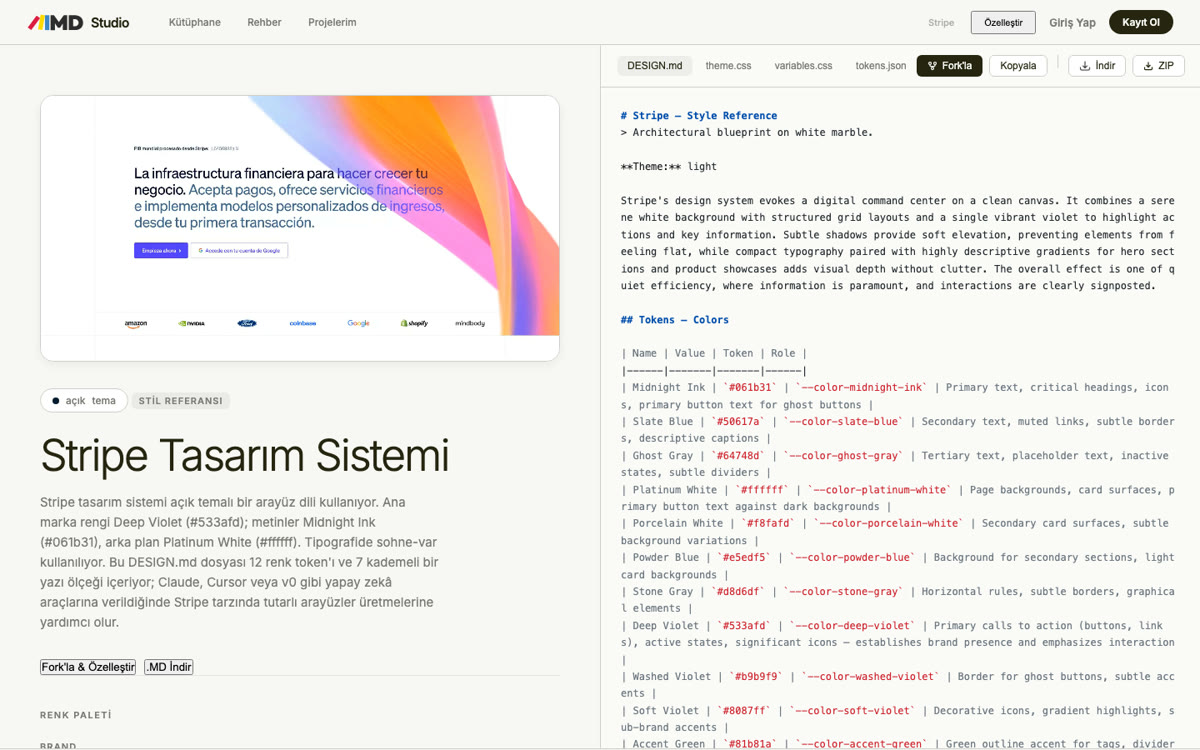
- Start from a ready-made system: Copy a brand's DESIGN.md from the design system library with “Fork & Customize” and adapt it to your own colors and fonts.
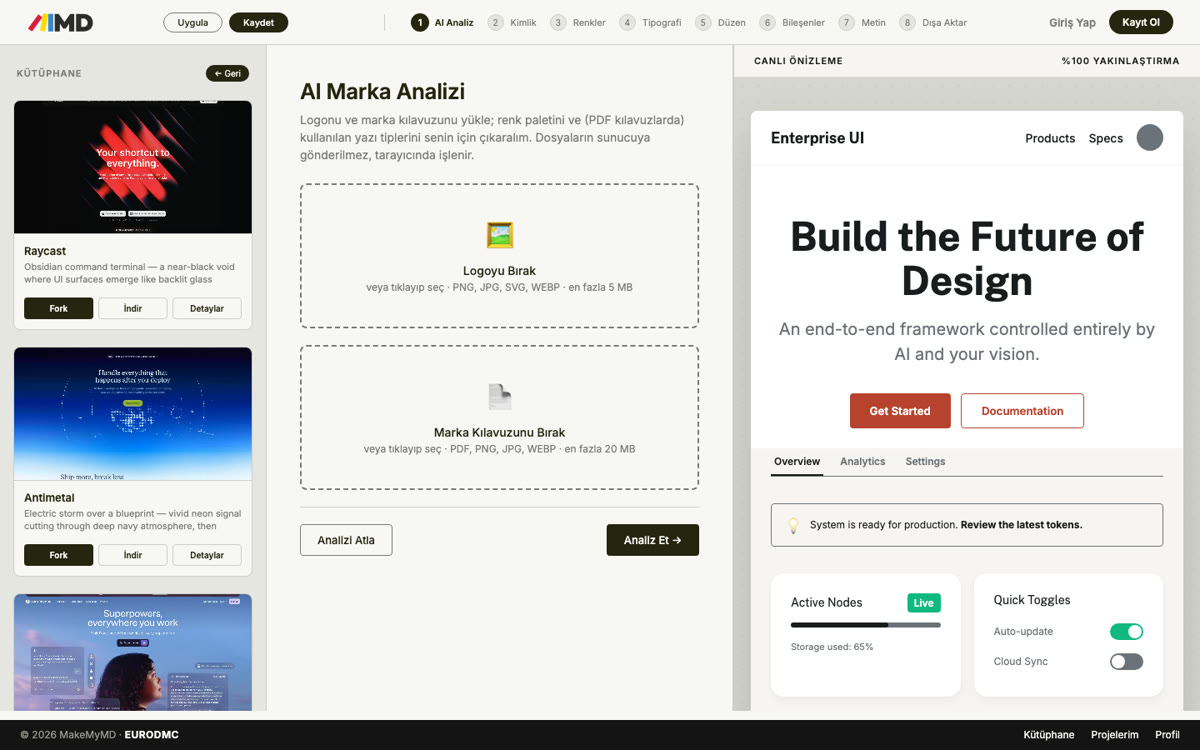
Whichever route you take, the result can be exported in the same way as DESIGN.md, CSS variables, a Tailwind theme and JSON tokens. For the difference between these formats, see What are design tokens?
How do you validate a DESIGN.md?
Google's open-source tool checks a file against the specification:
npx @google/design.md lint DESIGN.mdThe check reports unresolved token references (broken-ref), a missing primary color (missing-primary), text/background pairs below the WCAG AA threshold of 4.5:1 (contrast-ratio) and section-order errors. Use diff to compare two versions and export to convert the tokens to Tailwind or the W3C DTCG format:
npx @google/design.md diff DESIGN.md DESIGN-v2.md
npx @google/design.md export --format tailwind DESIGN.md > tailwind.theme.json
The format is still in “alpha”; the specification and tooling are under active development.
7 tips for a good DESIGN.md
- Pick a single accent color. Define the action color clearly; several “primary colors” leave the tool undecided.
- Describe each color's role.
#B8422Eon its own is just a value; saying “only for primary actions” turns it into a rule. - Give typography as a scale. Define heading, body and label sizes as separate tokens.
- Link components through token references. Don't repeat the button color as a hex value; reference
{colors.tertiary}so everything changes together when the color does. - Check contrast. Make sure text/background pairs pass WCAG AA; the
lintcommand does this automatically. - Write down what to avoid. Prohibitions such as “no gradients” or “never round corners beyond 8px” do the most to keep a tool from drifting away from the brand.
- Keep it short. Tools have a limited attention window; avoid needless repetition and cover each section in a few clear sentences.
Frequently asked questions
Where does the DESIGN.md file go?
In the root folder of your project, next to README.md. Most tools read files in the root folder; referencing DESIGN.md from CLAUDE.md or AGENTS.md guarantees it gets read.
Does DESIGN.md only work in Google Stitch?
No. The format was introduced by the Stitch team, but since it is an ordinary Markdown file it works with any tool that can read project files, such as Claude Code, Cursor, v0 and GitHub Copilot.
What is the difference between DESIGN.md and brand guidelines?
Brand guidelines are made for people and are usually a visually heavy PDF. DESIGN.md turns the same rules into exact values and short rationale that AI tools can read. MakeMyMD helps you generate a DESIGN.md from PDF brand guidelines.
Does creating a DESIGN.md cost anything?
No. You can write the file by hand or create it for free with the MakeMyMD wizard.
Can I write a DESIGN.md in another language?
Yes. Keep token names and values in English so they match your code, but you can write the rationale sections in any language; AI tools understand explanations in other languages too.